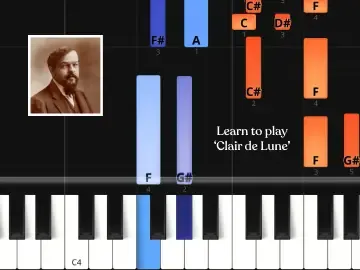
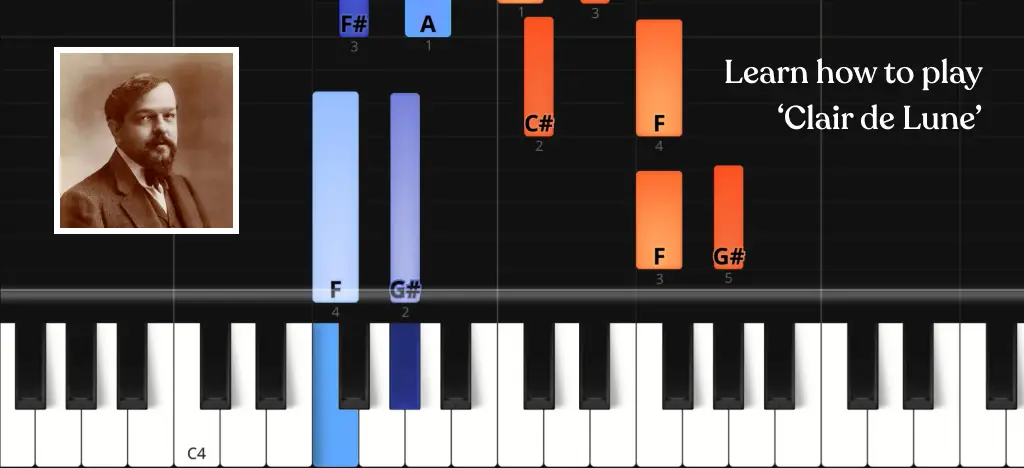
Few piano pieces feel as atmospheric as Clair de Lune by Debussy.
It sounds complex, but the opening is slow and spacious. The challenge isn’t speed — it’s control and balance between the hands. Start patiently, and it feels far less intimidating than it seems.
- Artie Guide: “Clair de Lune” on piano
- Where to start
- Before you move on
- Learn 'Clare de Lune' and more
- More to explore
Artie Guide: “Clair de Lune” on piano
In the Artie app, you can switch on Wait Mode – the piece only continues when you play the correct notes – loop sections and slow it down.
Below is the full playable section 👇
(You can slow the video down if you want.)
Where to start
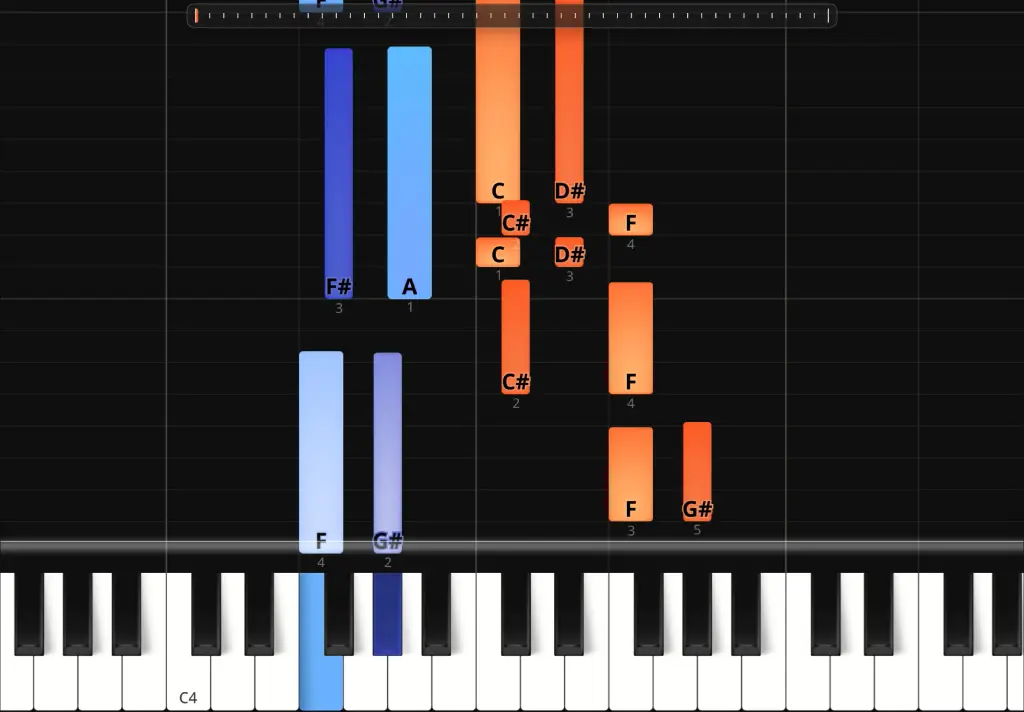 Start with the opening phrase shown in the image.
Before thinking about speed, focus on learning the fingering exactly as written.
• Follow the fingering — don’t improvise
• Turn on Wait Mode and loop this section inside the Artie app
• Practise the right hand slowly until the finger changes feel natural
• Only add the left hand once the right hand feels comfortable
If the fingering feels awkward, slow it down. Clair de Lune depends on smooth finger transitions, not force.Start with the opening phrase.
Before you move on
Once the fingering feels natural, turn off Wait Mode.
Keep the tempo slow.
Now try to play the whole opening phrase smoothly from start to finish.
• Keep your fingers close to the keys
• Let the melody stay slightly above the left hand
• Don’t stop for small mistakes — keep the flow
• If it falls apart, slow it down again
Clair de Lune needs space. If you rush, it loses its character.
When you can play the phrase steadily without the app stopping you, you’re ready to learn the next section and repeat the same process.
💡 ARTMASTER TIP: Play the intro in Artie's Free Play and let it score your timing and consistency. Seeing the small rhythm bumps makes them much easier to fix.
Learn 'Clare de Lune' and more
🎹 Artie is an AI piano teacher that actually listens as you play.
No sheet music. No theory overload. Just real songs, step by step.
✓ Real-time feedback on your timing and notes
✓ Loop sections, slow them down, or use Wait Mode
✓ 150+ songs – from classical favourites to modern hits
👉 Start learning with Artie for free
More to explore
Want to keep learning? Check out some more of our guides: